Does AI replace the architect? Where artificial intelligence strengthens the design process
Listen to key points0:59
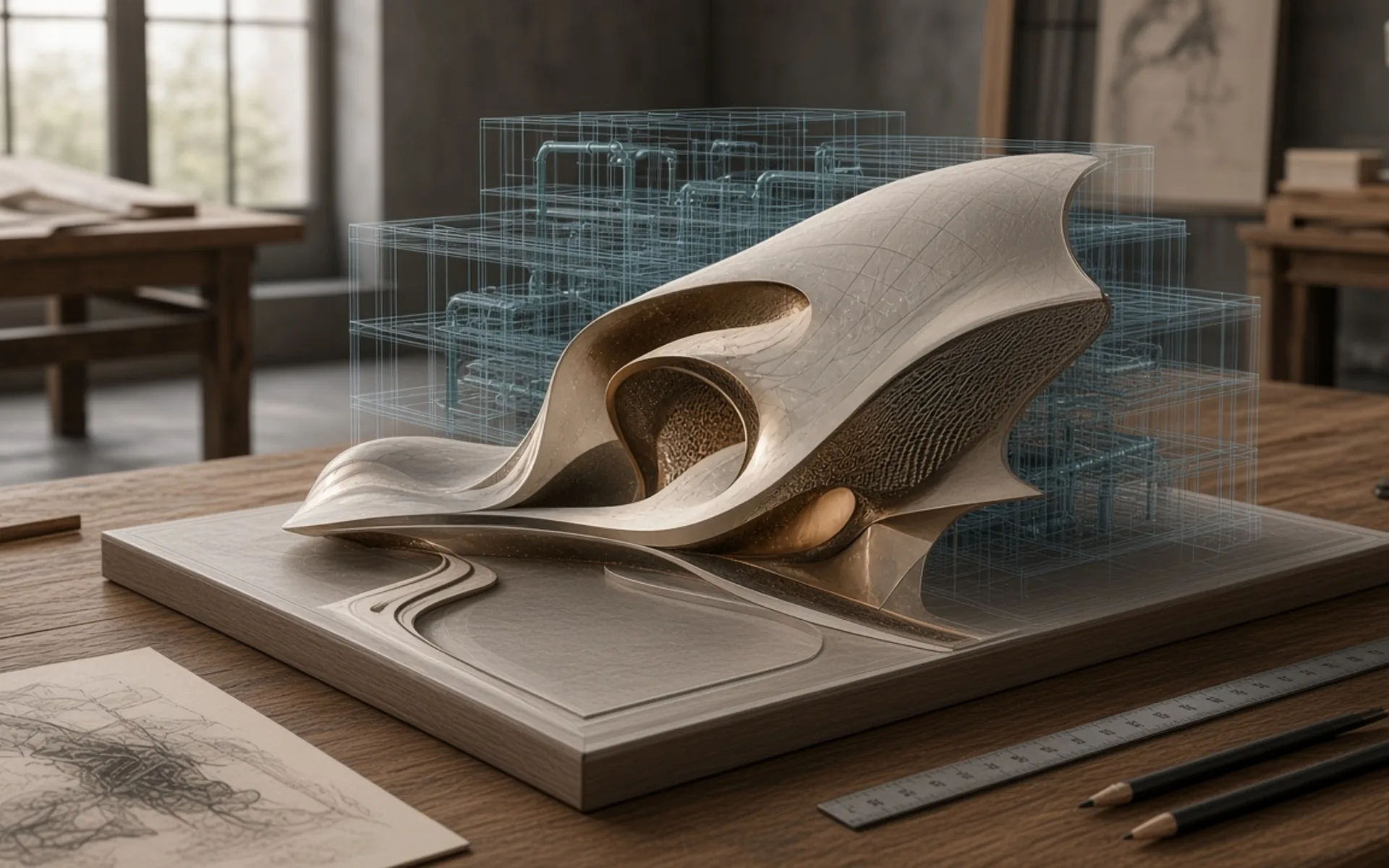
"Will AI replace the architect?" has become a frequent question, among professionals and clients alike. The short, honest answer is that artificial intelligence can accelerate and widen some parts of the design process, but it does not replace the architect's core function: making context-appropriate decisions, balancing competing requirements and taking responsibility for the result. This article looks calmly, without hype, at where AI gives real benefit, which limits remain and which questions developers and investors should ask.
What is architecture made of? Architecture is not just producing form. The profession brings together many layers: understanding the brief and business goals, site conditions, the regulatory framework, construction technology, budget, climate, operation and how people behave day to day. The balance between these layers is rarely solved by formal logic; it requires judgement, experience and negotiation. That is exactly the area where AI is weakest.
What AI offers at concept stage At concept stage, AI tools can be useful for widening the range of ideas. An architect can explore dozens of massing, façade or spatial organisation options from the same brief in less time. This enriches early discussions and helps explain choices visually to the client.
Practical uses include:
- Rapid exploration of early massing and layout options.
- Organising references for materials and atmosphere.
- Structuring the brief and requirements, and producing first summaries of documents.
- Quick comparison of different directions over a sketch.
An important condition applies: options are only a starting point. Unless they are tested against real site constraints, regulations and construction logic, they often remain attractive images that cannot be built.
Analysis and data AI and computational tools can help process large volumes of data faster: sun and shadow analysis, pedestrian movement scenarios, area and density comparisons, searching for inconsistencies in documents. These calculations give the architect information that supports a decision. But the quality of the output depends on the quality of the input. Wrong or incomplete data can produce a result that looks convincing and is wrong. Every output therefore needs checking by a professional.
Visualisation Visualisation is one of the fastest-spreading areas of AI use. At the idea stage, atmosphere images and material and lighting variants can be produced in a very short time, which makes communication with the client easier. There is also a real risk: a visual may look realistic and yet be unbuildable. How each element in an image would be built, what it would cost and whether it complies with regulations needs separate verification. For investors and developers the rule is clear: a visual is a communication tool, not a decision document.
Effects on workflow AI also helps with routine work: organising meeting notes, editing documents, translation, preparing task lists, searching product catalogues. This can free the architect's time for complex decisions and for working with the client. Automation and smart checks can be applied in BIM and coordination processes as well. But if automated output is not verified, errors can spread faster. Quality control points should therefore be set when AI is introduced into a workflow.
Limitations It is important to state the current limits of AI tools plainly:
- Understanding of context is limited: site history, local practice, neighbour relationships and permitting processes are often not fully taken into account.
- Technical accuracy can be weak: results for structure, fire safety and building services are not reliable without verification.
- Outputs can be repetitive or too close to existing work.
- Legal questions: the origin of training data, copyright and terms of use are still under debate.
- Confidentiality: which service client data is uploaded to needs careful decision.
On authorship and accountability In an architecture project, responsibility sits with a person or a firm. Safety, regulatory compliance, contractual obligations and professional liability are carried by people, not by a tool. Using AI does not reduce that responsibility. On authorship, it is sound practice to be transparent about how AI was used in a project and to agree it with the client. Clients are entitled to know which tools were used, and how, on their own project.
What is changing in the profession The architect's role is changing, not disappearing. Skills likely to gain value include asking the right question, sharpening the brief, choosing between options, carrying out technical verification, coordinating parties and judging spatial quality. In other words, as tools expand, the value of judgement and experience grows. For an inexperienced user an AI result may look convincing but be wrong; an experienced professional can assess it quickly and steer it.
A practical question list for developers and investors When working with an architecture team, it is useful to ask about AI:
- At which stages, and for what purpose, is AI used on the project?
- Who is responsible for checking the results?
- How is client information protected?
- How are visuals validated for buildability?
- How is the use of AI reflected in the project contract and in the definition of authorship?